MINECRAFT, ON YOUR TERMS

Make Minecraft
yours.

The old favorites. The next modded world.
Your versions, mods, and skins — all in one launcher.

Free to download · Windows 10 / 11 · Java Edition

Veltrix 1.7.8 /Release notes A familiar world. A fresh start.

THE LAUNCHER

Less sorting things out.
More loading in.

From a vanilla survival world to your carefully chosen mod list. Keep everything ready for the way you play.

01 / MODS & PROFILES

Your mod folder,
finally organized.

Find mods on Modrinth without leaving the launcher. Keep separate profiles for each version, switch mods on or off, and drop in your own .jar files.

Want a place to start? The performance pack brings together mods like Sodium, Lithium, and FerriteCore, matched to your version.

Get to know mod profiles
MOD PROFILESExample profile

Survival, but smoother.

Minecraft 1.21.4 Fabric

3 mods
SodiumA faster rendering engine
Enabled
LithiumGame logic optimizations
Enabled
FerriteCoreLower memory usage
Enabled
02 / VERSIONS

Back to beta.
Or onto what's next.

Browse Minecraft's releases, snapshots, betas, and alphas. Install a version and let Veltrix take care of the right Java runtime.

AlphaBetaReleasesSnapshots
Pick your first version
03 / SKINS & COSMETICS

Look like yourself.
Even in blocks.

Find a skin, upload your own, or grab one by player name. Preview it in 3D, draw a cape in Cape Studio, and find your next cosmetic.

Skin library3D previewCape Studio
Make it personal

THE VELTRIX CLIENT MOD

A little more
in your corner.

Keep your coordinates, armor durability, keystrokes, and FPS where you can see them. Open the menu with Right Shift, choose your modules, then drag your HUD into place.

Available for supported Minecraft versions. Check your server's rules before enabling modules.

Explore the client mod
OVERWORLD128 / 64 / −256
W
ASD
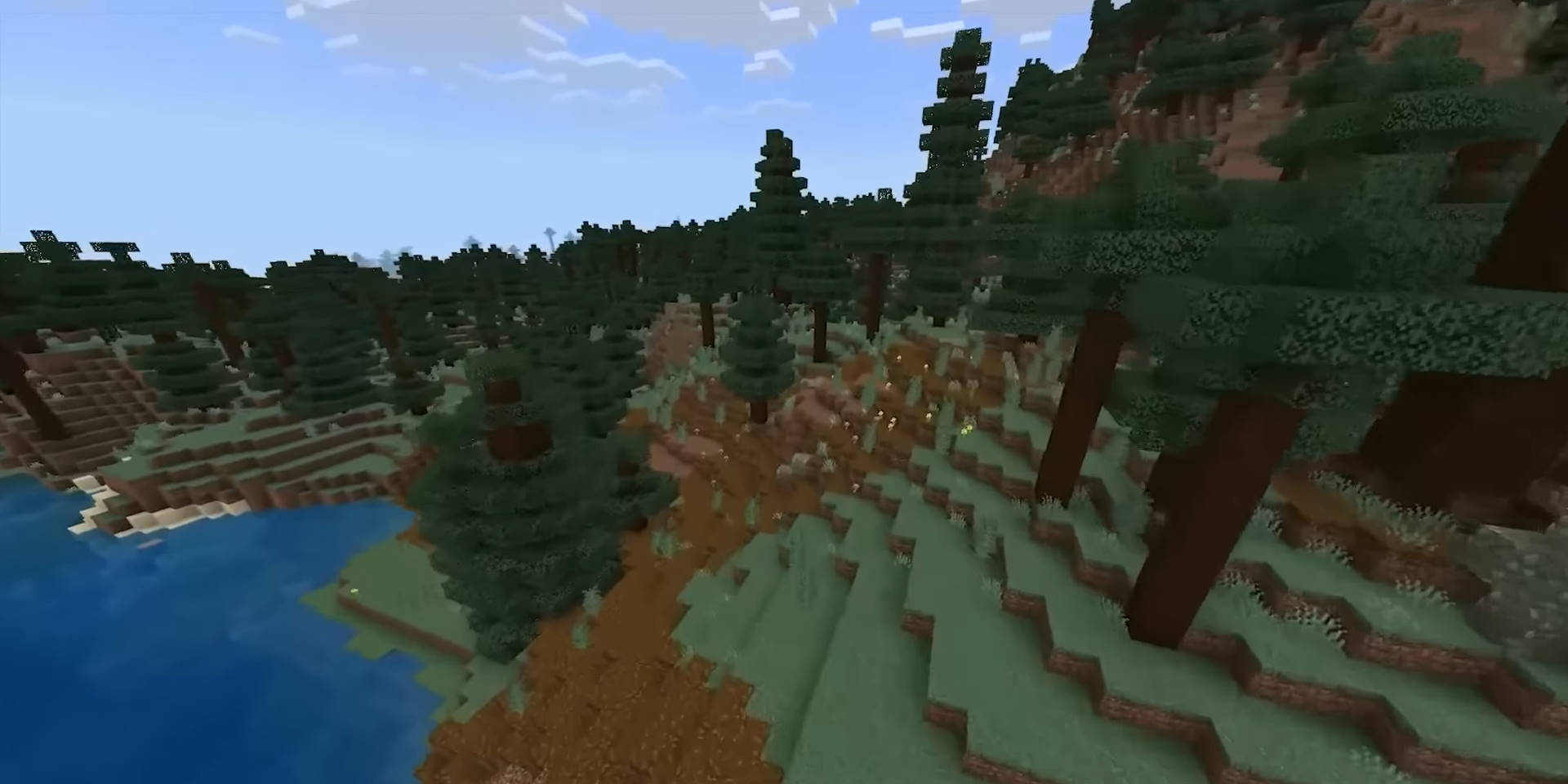
Taiga · Facing north
YOUR HUD. YOUR LAYOUT.Illustrative module layout
Make room for the essentials
CoordinatesKeystrokesArmor HUDZoomMinimapFPS

FOR THE TINKERERS

Your next module
starts with an idea.

Build your own HUD cards and local commands in JavaScript. Add a script, reload it in game, and keep making it your own.

Open the module builder docs
JShello.js Your first HUD module
// A little hello, right in your HUD.
veltrix.hud("Hello", function () {
  return ["Hey, " + veltrix.getName()];
});

LET'S PLAY

Your next world is waiting.

Get Veltrix. Sign in. Pick a version. You're home.

Download Veltrix Free for Windows 10 / 11 · 64-bit